

Is Your CRM Ready for AI Agents? 5 Things You Should Fix Before Automating Anything
- Tamika Shanea’ Robinson

- Feb 18
- 6 min read
You've decided it's time. You're ready to integrate AI agents into your CRM and finally automate those repetitive tasks that are eating up your team's time. But here's the truth most AI vendors won't tell you upfront: your CRM probably isn't ready for automation yet.
Before you invest thousands of dollars into AI integration only to watch it fail spectacularly, you need to address the foundation. Think of it like this: you wouldn't build a house on cracked concrete, right? The same principle applies to CRM automation. Without proper preparation, AI agents will amplify your existing problems instead of solving them.
Let's walk through the five critical areas you need to fix before automating anything in your CRM.
1. Data Quality: Clean Up Your Digital Mess
Here's an uncomfortable reality check: if your CRM data is a mess right now, AI agents will make it an even bigger mess: just faster and at scale.
AI agents are only as effective as the data they process. When you feed AI systems inconsistent, duplicated, or incomplete customer records, you're essentially teaching them bad habits. The result? Automated workflows that send emails to the wrong people, tag prospects incorrectly, or create duplicate entries that multiply like rabbits.

Start by conducting a data audit. Look for:
Duplicate customer records that exist because different team members entered the same person multiple times
Incomplete contact information with missing emails, phone numbers, or critical business details
Outdated or stale data from customers who changed companies three years ago
Inconsistent formatting where one salesperson writes "CEO" and another writes "Chief Executive Officer"
Orphaned records with no meaningful relationship to your active sales pipeline
Businesses that skip this step typically discover their AI agents six months later, only to realize they've been making decisions based on garbage data. The fix? Dedicate time now to consolidate duplicates, standardize formats, and establish data entry protocols. Your future automated self will thank you.
2. Tagging and Custom Fields: Build a Logical Structure
Your CRM's tagging system is the roadmap AI agents use to navigate customer information. If that roadmap is confusing, contradictory, or completely missing, your automation efforts will drive straight off a cliff.
Many growing businesses create custom fields and tags reactively: someone needs to track something, so they add a field. Fast forward two years, and you've got 47 custom fields that overlap, contradict each other, or haven't been used since 2023. This chaos makes it nearly impossible for AI agents to identify patterns or trigger the right workflows.
Here's what workflow optimization actually looks like for your tagging structure:
Audit your current tags and fields. Create a spreadsheet of every custom field, tag, and category you've created. Identify which ones are actually being used consistently and which are digital clutter.
Standardize your naming conventions. Choose one format and stick with it. Whether you prefer "lead_source" or "Lead Source," consistency is what matters. AI agents struggle with variations.
Create a logical hierarchy. Your tags should follow a clear structure. For example: Industry → Sub-Industry → Company Size → Engagement Level. This hierarchy helps AI agents make intelligent decisions about customer segmentation and personalized outreach.
Document everything. Create a "tag dictionary" that explains what each field means and when team members should use it. This documentation becomes critical when training AI agents on your business rules.
3. API Infrastructure: Verify Your Technical Foundation
Legacy CRM systems often lack the technical capabilities required for modern AI integration. You might discover: too late: that your current platform doesn't offer the API documentation, event streaming, or webhook capabilities that AI agents need to function.
Before committing to CRM automation, verify that your infrastructure can actually support it. Check whether your CRM platform provides:
Robust API documentation that developers can use to build custom integrations
Real-time event streaming so AI agents can respond immediately to customer actions
Webhook capabilities that trigger automated workflows when specific conditions are met
Custom middleware options if you need to connect legacy systems to modern AI tools
If your current CRM lacks these technical foundations, you have two options: upgrade to a more modern platform or implement middleware solutions that bridge the gap. Neither option is cheap, but both are cheaper than investing in AI agents that can't actually connect to your data.
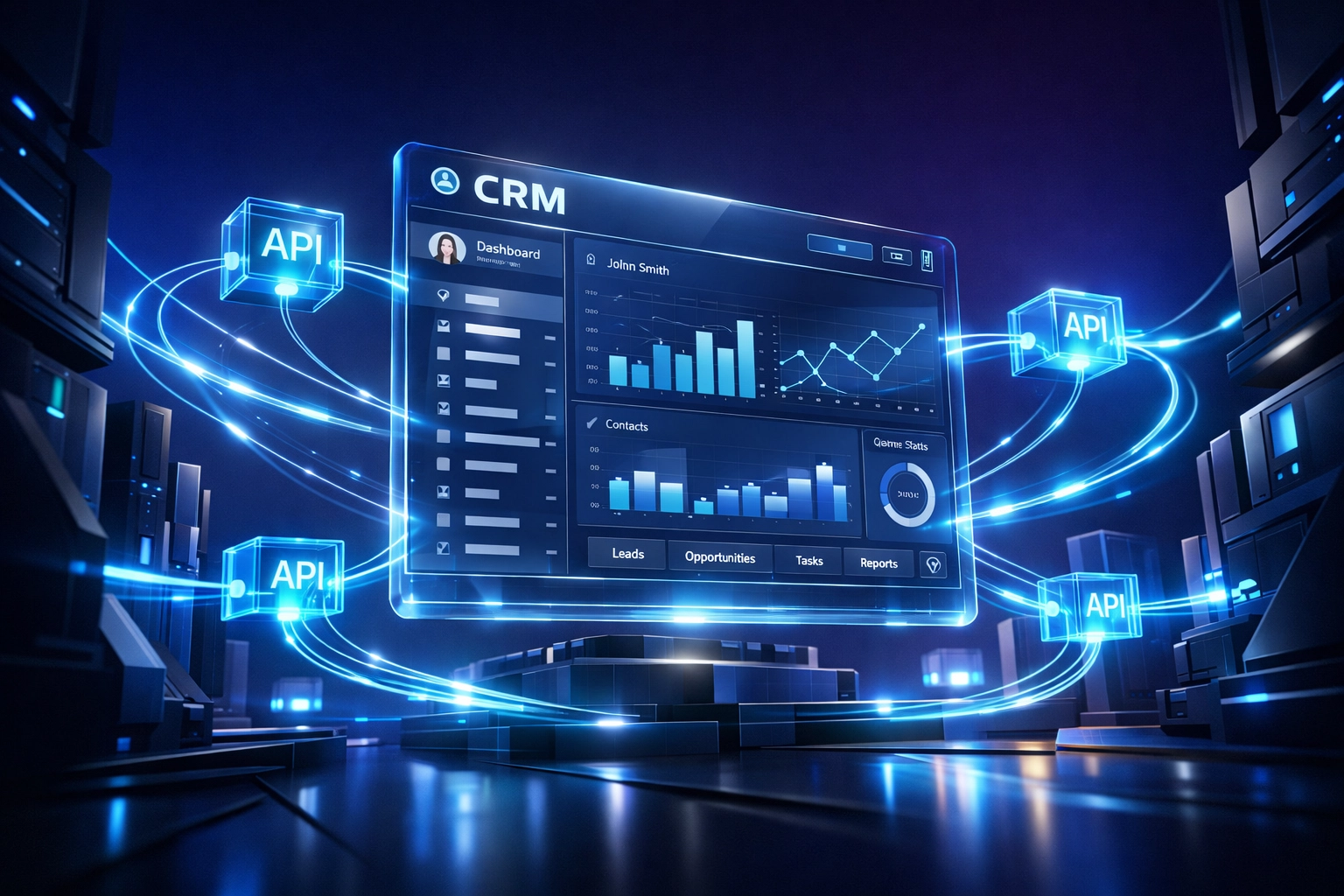
Organizations often underestimate this technical groundwork. They see flashy AI demos and assume everything will "just work." Then they spend six months troubleshooting integration issues that could have been identified upfront with a proper technical assessment. Don't let that be your story.
4. Process Documentation: Map Your Workflows First
AI agents excel at executing documented processes consistently. The keyword here is "documented." If your current workflows exist only in your team members' heads, AI can't replicate them.
You need to document every customer touchpoint, decision point, and handoff before automation becomes viable. This means actually mapping out workflows like:
What happens when a new lead enters your CRM?
How do you qualify prospects and move them through your pipeline?
When should a customer receive a follow-up email versus a phone call?
What triggers an account to be marked as "at-risk" and require intervention?
Create visual process maps that show these workflows from start to finish. Identify which steps are purely mechanical (perfect for AI automation) versus which require human judgment (keep those in human hands). Document the business rules that govern each decision point.
This documentation serves two purposes. First, it gives you clarity about what you're actually automating: you might discover inefficiencies that need fixing before automation. Second, it provides the blueprint AI agents need to replicate your processes accurately.
Work closely with your team during this phase. The marketing manager knows different details than the sales director. Capture that institutional knowledge before attempting to automate it. This collaborative documentation process often reveals integration points and dependencies that weren't obvious before.
5. Security and Compliance: Protect Customer Data
Here's where many businesses hit a legal landmine: AI agents process customer data at scale, which means any security vulnerability or compliance gap gets amplified exponentially.
Before deploying AI agents in your CRM, ensure your infrastructure aligns with relevant data protection regulations. If you handle customer data from EU residents, GDPR compliance isn't optional: it's mandatory. Similar requirements exist under CCPA for California residents and various industry-specific regulations.

Implement these security foundations first:
Secure authentication mechanisms that control which AI agents can access which customer data. Not every automated workflow needs access to your entire database.
Audit trails that log every action AI agents take with customer information. When something goes wrong (and eventually something will), you need to trace exactly what happened.
Data retention policies that automatically delete outdated information instead of letting it accumulate indefinitely. AI agents should work with current, relevant data: not decade-old records that create compliance risks.
Permission structures that mirror your team's access levels. Just because a workflow is automated doesn't mean it should have unrestricted database access.
Regular security assessments that verify AI agents aren't creating new vulnerabilities as they interact with your CRM.
The cost of getting this wrong is substantial. Data breaches destroy customer trust and trigger regulatory penalties. Investing in proper security infrastructure before automation isn't optional: it's business-critical protection.
Making CRM Automation Work: Your Next Steps
The businesses that succeed with business automation consulting understand a fundamental truth: automation amplifies your existing systems, whether those systems are excellent or broken.
If you automate chaos, you get faster chaos. If you automate a well-organized, properly documented CRM with clean data and solid infrastructure, you get efficiency gains that transform your operations.
Start with an honest assessment of where your CRM stands today across these five areas. Don't skip steps because you're eager to deploy AI agents quickly. The preparation work: cleaning data, documenting workflows, upgrading infrastructure: is where the real value gets created.
Your CRM isn't just a database. It's the central nervous system of your customer relationships. Treating it with the care and strategic planning it deserves before automation makes the difference between AI agents that drive growth and expensive software that creates more problems than it solves.
Ready to evaluate whether your CRM infrastructure is truly ready for AI integration? Consultamind Systems specializes in workflow optimization that prepares businesses for successful automation. We help growing companies fix these foundational issues before investing in AI agents: because getting it right the first time is always cheaper than fixing it later.
Comments